Your team, thoughtfully built.
Running AI Agents on Your Computer: What Stays Local
When your AI team works from your own computer, the office itself is local: your files, your team's messages and your decisions are saved in a folder you control. The thinking still happens at your AI provider. Claude Code and Codex send your requests, and the file contents they read, to Anthropic or OpenAI to get a response, under the terms of your account. Local gives you control over where the work lives and what agents may touch. It doesn't make anything automatically safe.
What stays on your computer
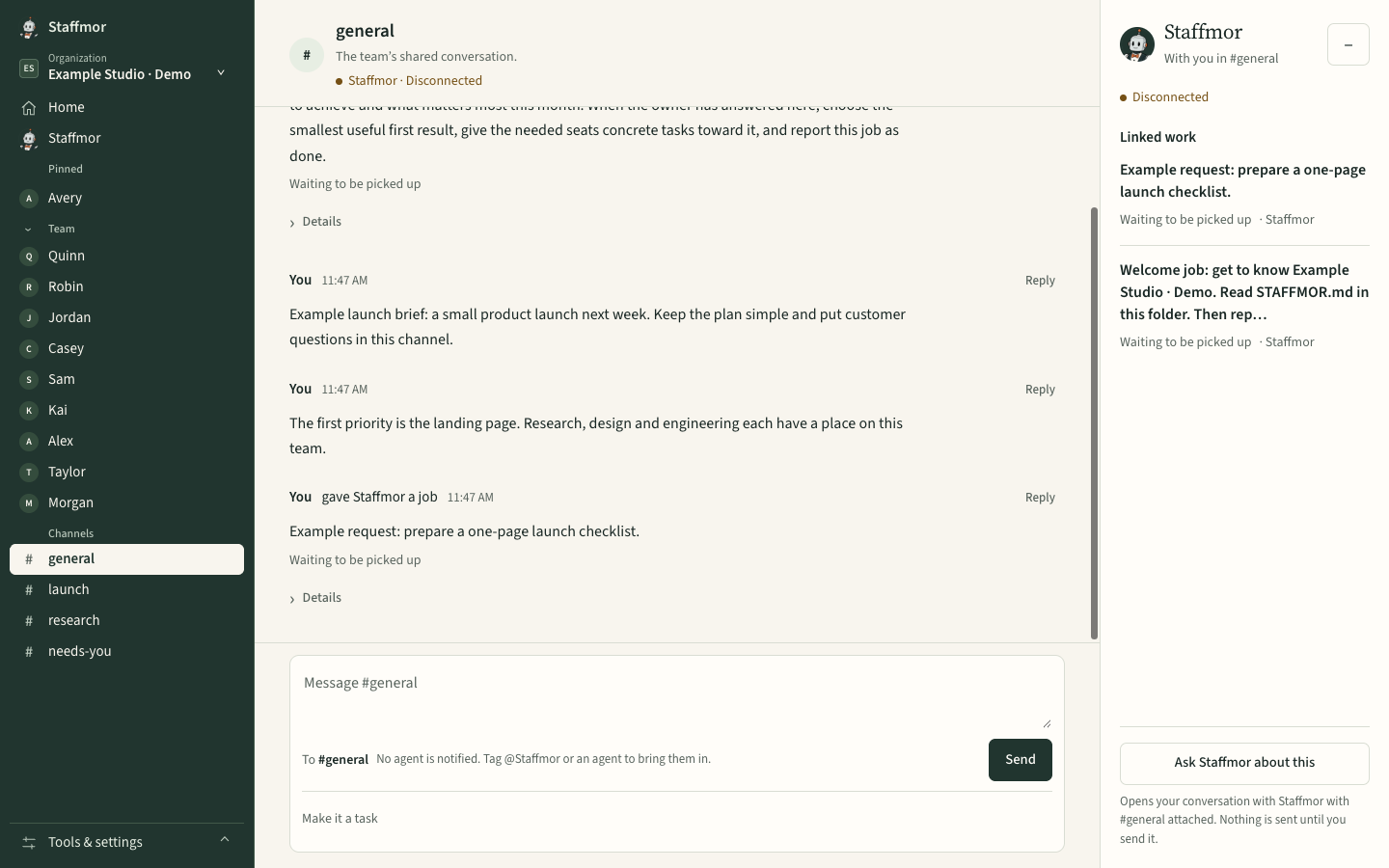
- Your office. In Staffmor, the team workspace (channels, tasks, decisions and the Needs-you home) runs on your computer and saves to your office folder.
- Your project files. Agents work on files in that folder. Nothing is uploaded to a Staffmor server to do the work.
- Your tools' session history. Claude Code, for example, keeps session transcripts on your machine so you can resume them (Anthropic).
What goes to your AI provider
To answer, a model has to see the work. According to their own documentation:
- Claude Code sends "all user prompts and model outputs" to Anthropic, encrypted in transit. Anthropic doesn't train on code or prompts from commercial accounts (Team, Enterprise, API) by default. On Free, Pro and Max, you choose whether your data can be used to improve models (Anthropic).
- Codex sends your prompts and conversation context to OpenAI to run the model. Its sandbox and approval rules run on your machine (OpenAI).
"Prompts" include whatever the agent reads to do the task, so an agent that opens a file is sending that file's contents to the model. Keep secrets out of files your agents work on, and check your account's data settings.
What the agents are allowed to do
Both tools have their own guardrails, and running locally doesn't remove them:
| Claude Code | Codex | |
|---|---|---|
| Default boundary | In Manual mode, writes only to the folder it started in | Writes only to the active workspace |
| Asks you before | Editing files, running commands, most network requests (Manual mode) | Leaving the workspace, using the network, commands outside a trusted set |
| Network | Web-fetching commands aren't auto-approved | Off by default |
Sources: Claude Code security, Codex approvals & security. Settings and permission modes can change these defaults, so check yours.
Staffmor doesn't launch Claude Code or Codex, and it doesn't change their settings. You open your assistant in your office folder yourself, and its usual permission prompts and sandbox apply. That also means Staffmor can't restrict a tool you start with full access, so choose permission modes deliberately.
What uses a hosted service
A few things can't happen only on your computer:
| Service | What it handles |
|---|---|
| Purchase and billing | Your subscription, processed by Stripe |
| License activation | Confirms your plan for your office |
| Phone access (planned) | Answering your team from your phone, after the desktop beta. Not available yet. |
Economical by design
A model call costs time and money, so the routine parts of Staffmor don't use one. Setup, seats and the Needs-you home run on ordinary code, so your model usage goes to the work itself. Your provider's own pricing and limits apply.
Delegating safely: a short checklist
- Give agents a folder for the work, not your whole computer.
- Keep passwords and keys out of that folder and out of chat.
- Let routine, reversible work run. Approve anything public, paid or destructive yourself.
- Treat anything an agent reads from the web as information, not instructions.
- Review your AI accounts' data settings once.
Your office. On your computer. Under your control.
Staffmor is being built to set up the whole team from an empty folder, designed for Claude Code and Codex agents side by side. Staffmor is available as a desktop-first beta. Use your own Claude Code or Codex account. See the plans →