Your team, thoughtfully built.
How to Build a Personal AI Team for Your Work
A personal AI team is a small set of AI agents shaped around your own job, typically one for research, one for analysis, one for drafting and one for presentations. Each has a defined task, and you review everything before it goes out under your name. It's the difference between asking one chatbot for help and having a small team you direct.
Most "AI at work" advice is written for companies choosing enterprise tools. This is about you: what you can set up for your own work, today, within what your employer allows. Let's build it around the work you already do.
Why a team instead of one assistant
One capable assistant can handle a focused project well. Separate roles start to help when the work needs distinct context or expertise, or when parallel work is genuinely useful. A team keeps those roles and their context apart:
- your research agent knows the topic you've been digging into all week,
- your analysis agent knows the numbers and how you like them shown,
- your drafting agent knows your tone and your company's formats.
That continuity is what turns "help me with this" into work that's actually ready to use.
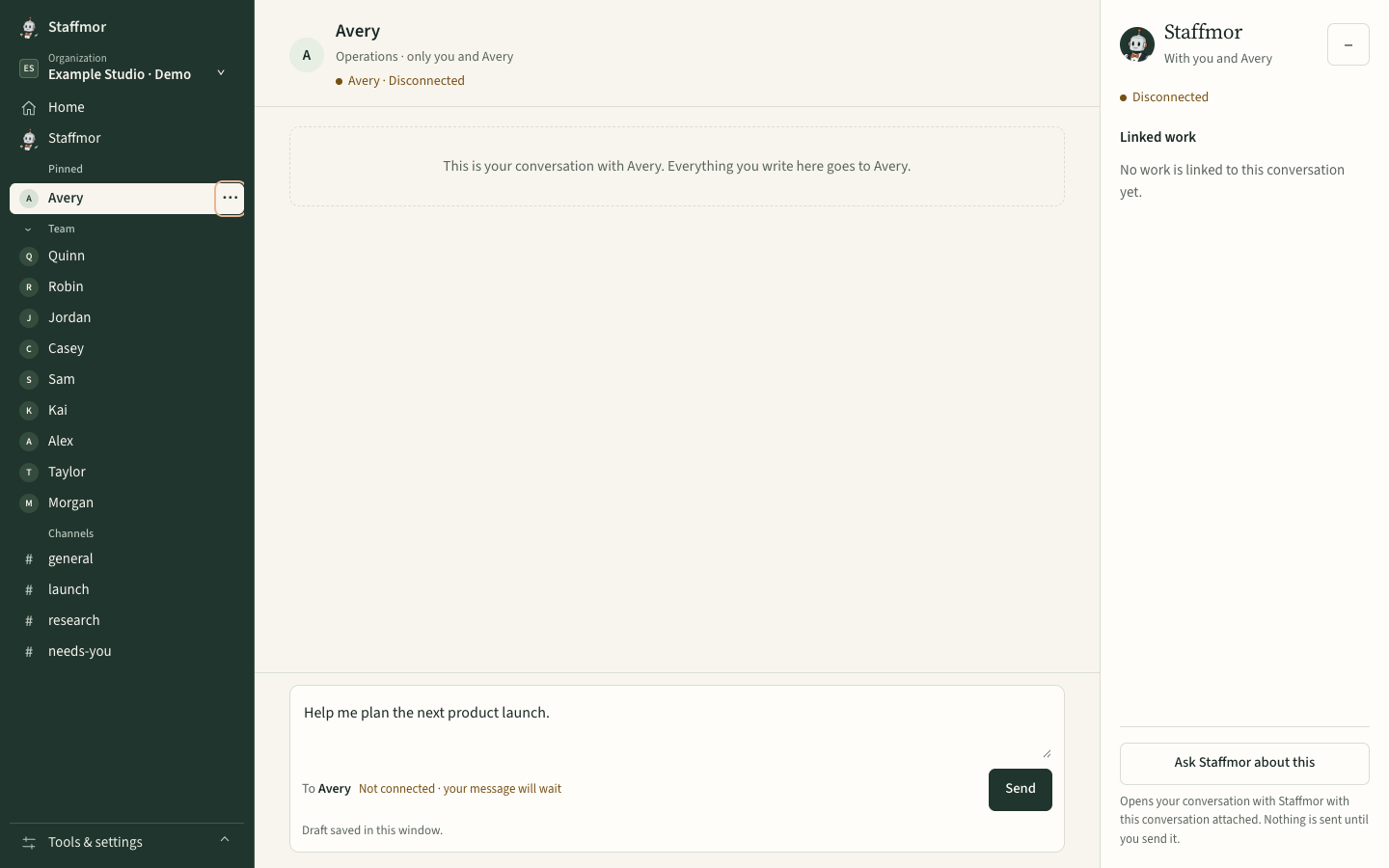
A starter team for one professional (illustrative)
Shape it to your job. A common starting point:
- Research: gathers background, reads sources and summarizes what matters, with links you can check.
- Analysis: works through data, builds comparisons and flags what's surprising.
- Drafting: turns findings into memos, emails and briefs in your voice.
- Presentation: turns a brief into a clear deck outline or talking points.
- Automation (optional): small scripts or workflows for the repetitive parts of your week.
A product manager might rename these "Customer research, Metrics, PRD writer, Roadmap deck." A consultant might use "Market scan, Model, Report, Client deck." The structure stays the same.
Using it the right way at work
- Use only accounts, tools and files your employer approves for this kind of work. If you're unsure, ask. It's a short conversation that protects you.
- Review everything. You own what you share and deliver. Treat agent output as a strong first draft.
- Be straightforward about how you work where your workplace expects it. The value you bring is judgment and initiative, and an AI team extends that; it doesn't replace it.
What changes when it works
You spend less time on first drafts and more on the thinking only you can do: better questions, sharper recommendations, faster follow-through. That's what gets work noticed. No tool promises a promotion, but doing more good work, reliably, is how people get ahead.
Getting started
I'm built to set up a personal team like this. The promise: set up Claude Code or Codex with an empty folder, and I'll do the rest, meaning roles you can rename to fit your job, the instructions that tie them together, and one workspace for your team's work. I'm designed so Claude and ChatGPT agents can work side by side; start with the one you have access to, and your provider's pricing and limits apply. You don't need to be an engineer; the coding roles are optional. Staffmor is launching with paid early access. See current availability and plans →
See Staffmor for professionals →
Common questions
How can I use AI agents to do better work? Give agents defined jobs (research, analysis, drafting, presentations) and review what they produce before you use it.
Do I need to run a company or be an engineer? No. Shape the roles around your own job; the engineering roles are optional.
Can I use it with my work files? Only with accounts, tools and files your employer approves for this kind of work.