Your team, thoughtfully built.
Vibe Coding With Claude Code and Codex: A Beginner's Guide
Vibe coding means describing the software you want, letting AI write the code, and improving it by trying the result. A habit tracker, a calculator, a little tool that saves you an hour: start there.
Claude Code and Codex can work directly in a project folder on your computer. You bring the idea and decide what works. This guide takes you from an empty folder to a first version you can actually use.
What you need
- A desktop computer. This walkthrough uses Claude Code or Codex on your own computer, working on files in a project folder.
- One AI account with access. Claude Pro includes Claude Code and costs US$20/month on monthly billing; Claude Free doesn't include it (Claude pricing). Codex requires a ChatGPT account with Codex access. OpenAI lists Free and Go desktop access subject to rollout; ChatGPT Plus is a US$20/month paid starting option (OpenAI pricing). Check that you can open your chosen tool before buying anything else. You can start with one.
- An idea small enough to finish in an evening. Pick one job: log a habit, calculate a price, or organize a short list. A complete little tool beats an unfinished big app.
Provider costs and usage limits are separate from Staffmor.
Your first session, step by step
- Make an empty folder for the project and open it in Claude Code or Codex. Give this first experiment its own folder.
- Ask for a plan first. Describe the result you want, then say: “Plan this first. Don't write code yet.” Claude Code's plan mode lets it inspect the project and propose an approach before editing (Claude Code docs).
- Choose the smallest version. One screen, one job. Cut accounts, sharing and extra features from the first plan unless your idea actually needs them.
- Run it and try it yourself. Ask the assistant to start the app and tell you how to open it. Click every button. Try an empty entry, a repeat click and a phone-sized window. Does it do the job you asked for?
- Save when it works. Ask the assistant to save the working version as a Git commit and explain how to return to it. Claude Code also has checkpoints, but those don't capture every change made by commands or other programs; they don't replace version control (checkpoint guidance).
- Change one thing at a time. Ask for one improvement, test it, then save again. Keep a version you can return to before the next experiment.
Prompts that work
| Vague | Clear |
|---|---|
| “Make me an app for my workouts.” | “Make a one-page habit tracker that runs in my browser. One button logs today. Show my streak and the last 8 weeks. Save data on this computer only. Then open it and confirm it works.” |
| “It's broken, fix it.” | “When I click Log twice, the streak goes up by 2. It should only count once per day. Fix that and show me it works.” |
| “Make it better.” | “Make the buttons bigger on a phone screen, and nothing else.” |
A useful prompt says what to build, what “done” looks like, and how to check it. When something goes wrong, describe what you clicked, what happened, and what should have happened. A screenshot can help too.
Keep it from breaking
You don't need to understand every line of code to make your first prototype. You do need to know what changed and whether it works.
- Keep requests small. Big requests make it harder to see which change caused a problem.
- Read the plan. If the assistant proposes a login system for a simple calculator, ask why before it builds one.
- Keep secrets out of prompts and source files. Use fake example data while experimenting. Don't paste passwords or API keys into chat.
- Ask about new dependencies. If the assistant adds a package or library, ask what it does and why you need it.
- Understand the permissions you grant. Codex's default local CLI and IDE setup limits work to the workspace and starts with network access off; settings can change those boundaries (OpenAI security documentation). Keep approval controls enabled while you learn, and read requests for wider access.
- Get a code review before other people depend on it. A prototype that works for you still needs careful review before it handles customers, sensitive data or payments.
Give your project a team
One assistant can get you started. As your idea grows, it helps to separate the jobs: a planner to keep the scope clear, a builder to make the changes, and a reviewer to check the result.
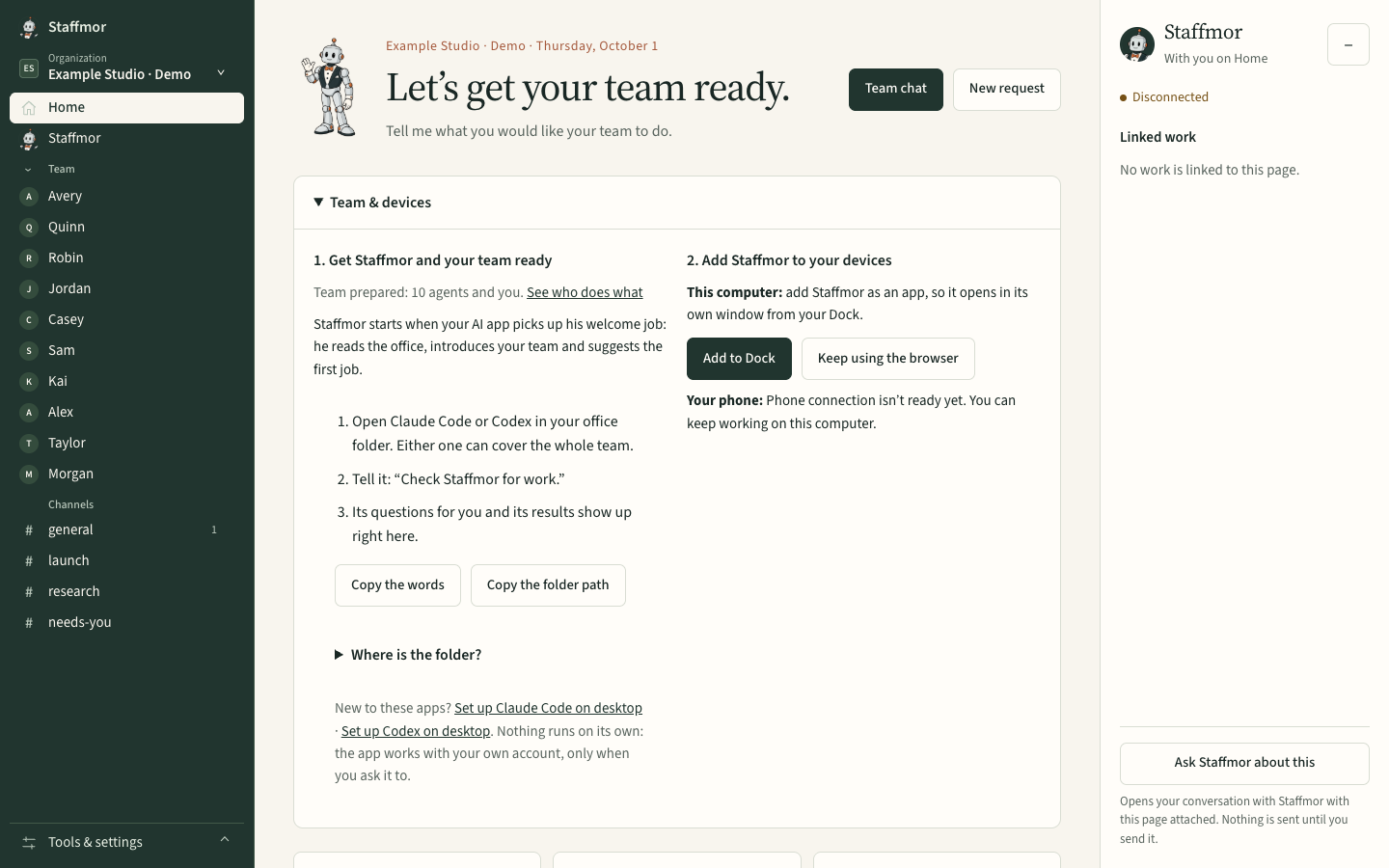
Staffmor sets up that small team for a personal project, with written working guidance and a shared office on your computer. Tell Staffmor what you're making, then give your team a concrete first task. You can rename the roles and change their instructions as the project develops.
Your Claude Code or Codex account powers the agents. The provider receives the requests and files they work with under your account's terms. Staffmor is a desktop-first paid beta; your provider account and usage costs are separate.
Related: Claude Code and Codex in one AI team · How to write instructions AI agents actually follow