Your team, thoughtfully built.
How to Write Instructions AI Agents Actually Follow
Instructions AI agents follow are short, specific and checkable. Say what the agent can't figure out on its own, like your rules, your definition of done and what's off limits, and leave out everything it can. Give it a way to check its own work. Keep rules that must never be broken in code or settings, not just in prose. And when an agent ignores an instruction, find out why before adding more words.
Where agent instructions live
Coding agents read a project instruction file at the start of every session:
- Codex reads AGENTS.md. It builds an instruction chain from your home folder down to the current folder. Files closer to the work take precedence, and by default it stops adding files after 32 KiB (OpenAI).
- Claude Code reads CLAUDE.md at the start of every conversation (Claude Code docs). A CLAUDE.md can import another file with
@path, so one line,@AGENTS.md, lets both tools share one set of instructions (Claude Code memory docs).
One shared source means one version of the rules. A correction reaches each agent the next time it loads the file, not instantly in a session that's already running.
Seven rules for instructions that work
1. Write what the agent can't infer. Claude Code's guide suggests including commands it can't guess, style rules that differ from defaults, testing steps and project quirks. Leave out anything it can learn by reading the project, and self-evident advice like "write clean code."
2. Keep it focused. For every line, the guide asks: "Would removing this cause Claude to make mistakes?" If not, cut it. Bloated files make the rules that matter harder to find.
3. Pitch it at the right altitude. Anthropic's context-engineering guide describes the target: specific enough to guide behavior, flexible enough to give the agent strong heuristics rather than brittle scripts (Anthropic). "Recommend one option and explain the tradeoff" works better than a 20-step decision tree.
4. Define done, and how to check it. "Add tests" is vague. "Write a test for the logged-out case, run the suite, and fix failures" is checkable. An agent without a check stops when the work looks done.
5. Separate preferences from hard limits. Tone, length and format are preferences. "Get the owner's approval before a consequential action outside the scope already granted" is a limit. A sentence in a file doesn't enforce it, so limits also belong in the permissions, hooks or settings the tool enforces. Claude Code's docs put it directly: instruction files are advisory, and hooks are deterministic.
6. Load details only when they're needed. Put rarely needed knowledge in a separate file or skill the agent loads for that task, not in the file every session reads.
7. Diagnose before you add. When an agent ignores an instruction, check the usual causes: it's unclear, it conflicts with another rule, it needs a tool the agent doesn't have, the agent lacks the context to apply it, or the file is too long to find it in. Fix the cause, then check whether the behavior actually changed.
Before and after
| Vague | Followable |
|---|---|
| "Be careful with the website." | "Draft changes in a branch and send the preview link. Publishing is outside this task's scope unless the owner has granted it." |
| "Do good SEO." | "Every page gets one H1, a title under 60 characters, and an opening paragraph that answers the page's main question." |
| "Keep me posted." | "Report once when the task is done or blocked: what changed, the evidence, and the one decision you need from me." |
Instructions for a team, not one agent
A team needs two layers:
- Shared rules every agent follows: how work is claimed, how handoffs are written, what needs the owner's decision.
- Role briefs for each agent: its job, what it hands to whom, and only the context that role needs.
Keep role briefs separate, so the engineer isn't reading the marketing agent's style guide, and keep the shared rules focused enough that every agent can use them.
How Staffmor writes them
This is the part of Staffmor we care about most.
In our local build today: Setup writes the team's guidance to STAFFMOR.md. AGENTS.md points the assistant there, and CLAUDE.md imports AGENTS.md, so Claude Code and Codex start from the same source when they load it. Each role gets its own job and handoffs, and routine bookkeeping stays in code, not in instructions an agent might skip. The build also includes compact working guidance: taking ownership of an outcome, giving a real recommendation with the tradeoff, disagreeing plainly and kindly when a plan would miss the goal, carrying settled decisions forward instead of asking again, and finishing with evidence rather than "looks done". It also keeps a short, editable note of the owner's working preferences. Including guidance isn't the same as proven results, so we'll show what it does before we claim more.
Still being built: researched briefs for each role, and Claude Code and Codex agents completing work together in one office.
We describe each of these as available only once it works.
Start with instructions already written
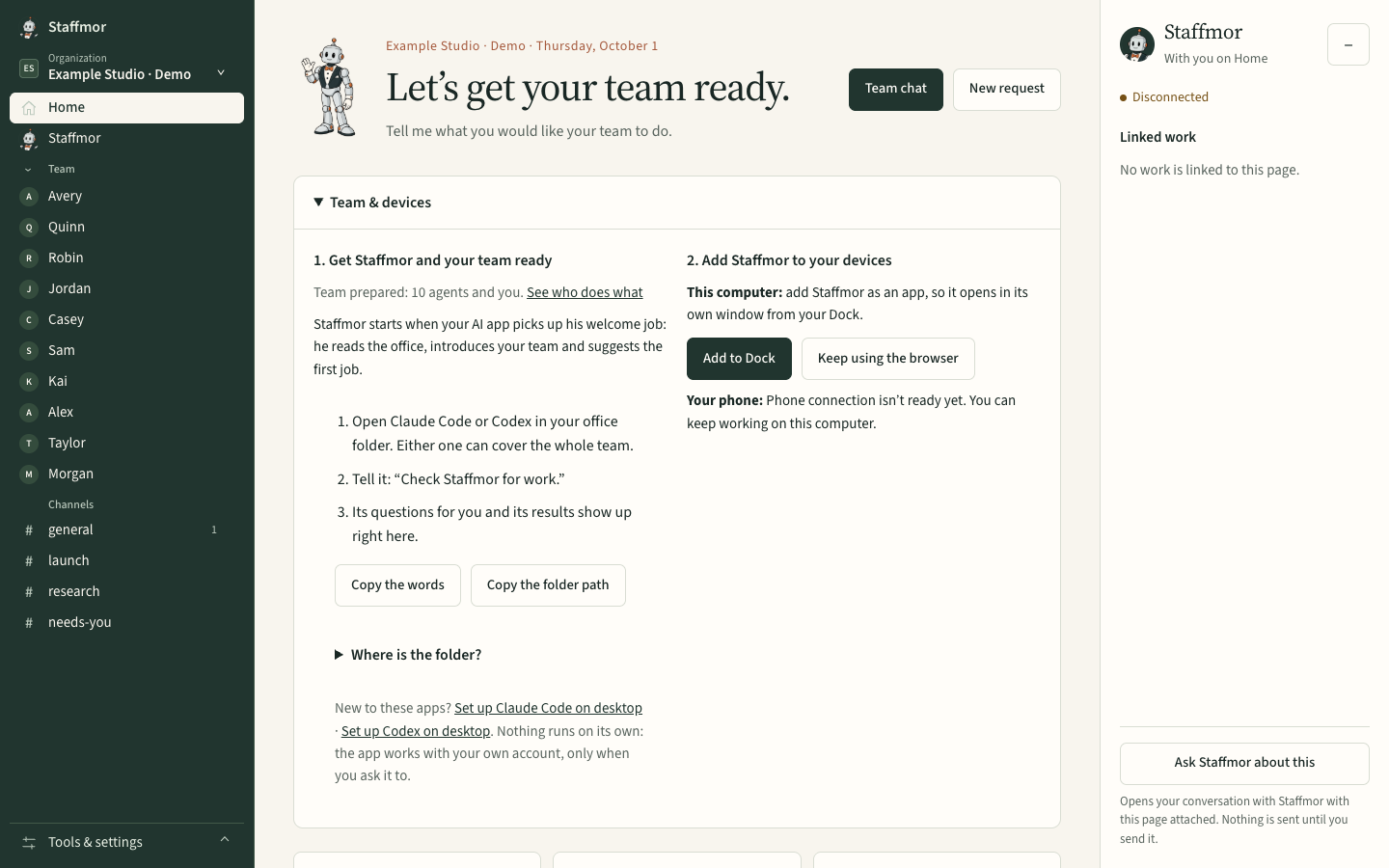
Set up Claude Code or Codex with an empty folder, and Staffmor does the rest: a thoughtfully built AI team, with its instructions written for you. Staffmor is available as a desktop-first beta. Use your own Claude Code or Codex account. See the plans →
Related: What is an agent harness? · How to set up an AI agent team